

Why choose Yukari?
📚
Local & Offline
Read your own comics (folders/CBZ) or download for offline reading
🔌
Plugin System
Community sources for online discovery (MangaDex, WeebCentral, etc.)
🛡️
100% Private
No ads, no telemetry, no accounts required
🎨
Fluent Design
Native WinUI 3 interface with dark/light theme
📖
Flexible Reader
RTL, LTR, Vertical, Webtoon modes with zoom and page jump
🔍
Advanced Search & Filters
Find exactly what you want across sources
Screenshots Gallery
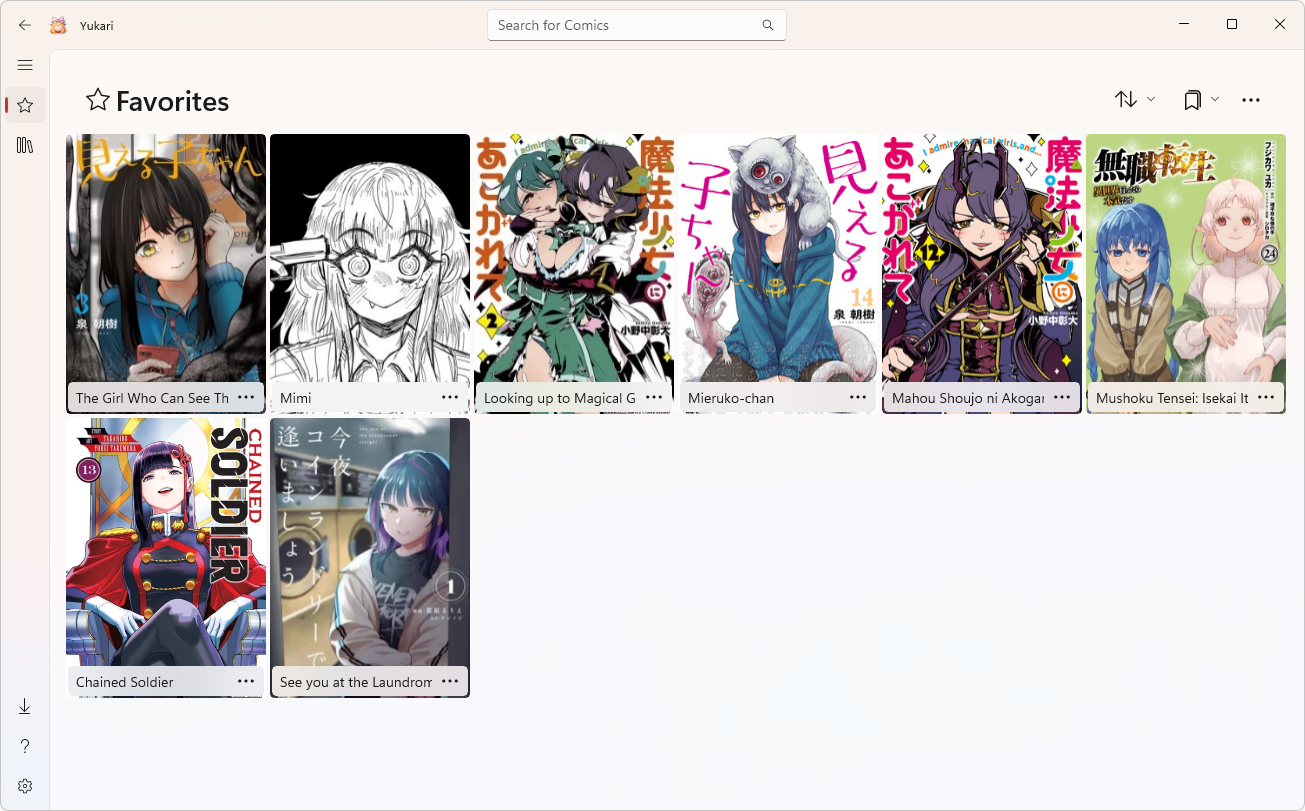
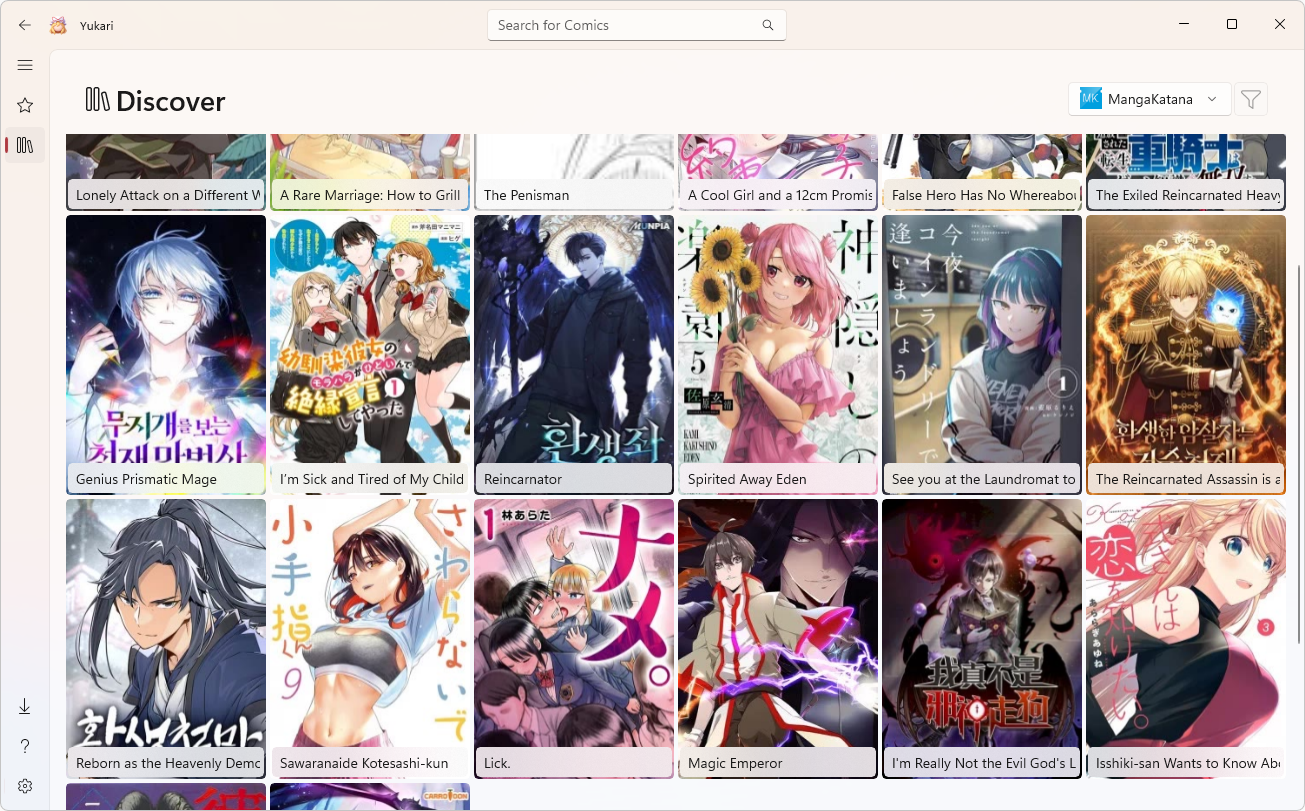
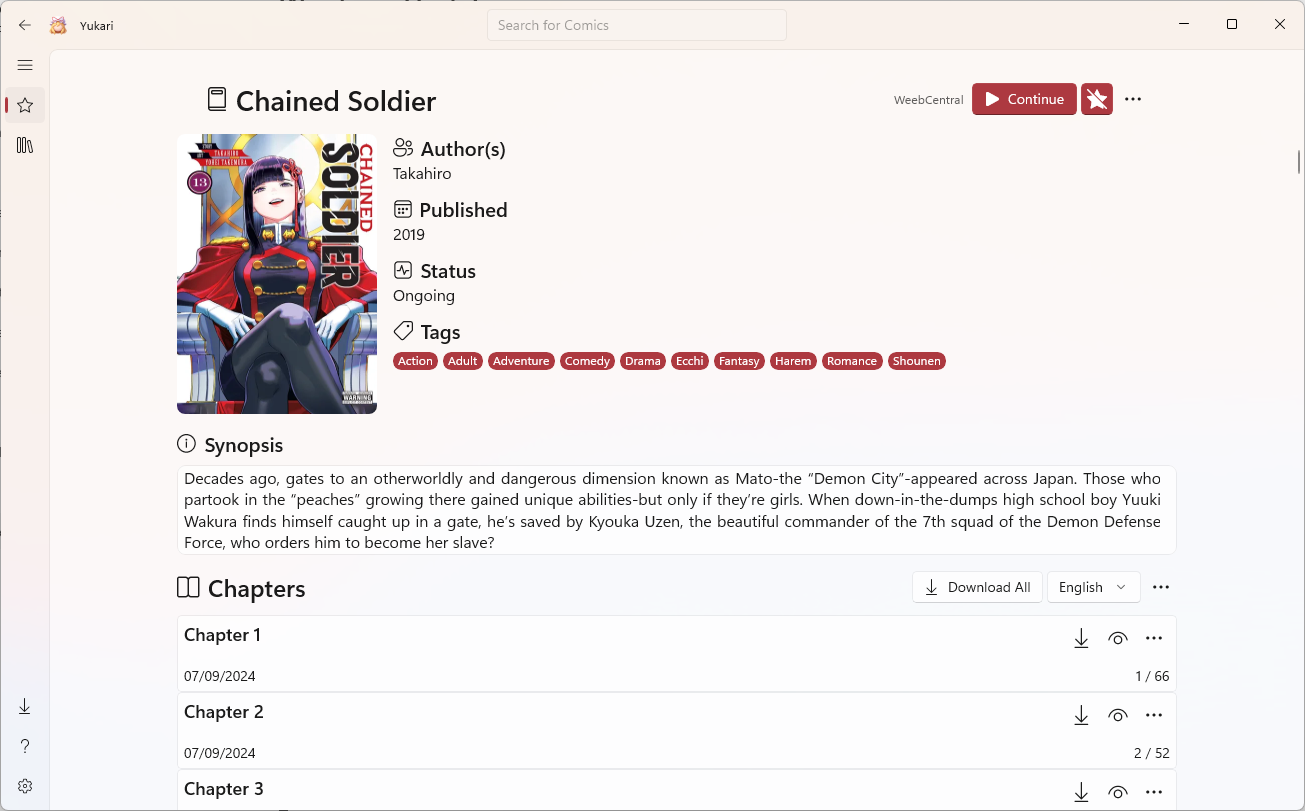
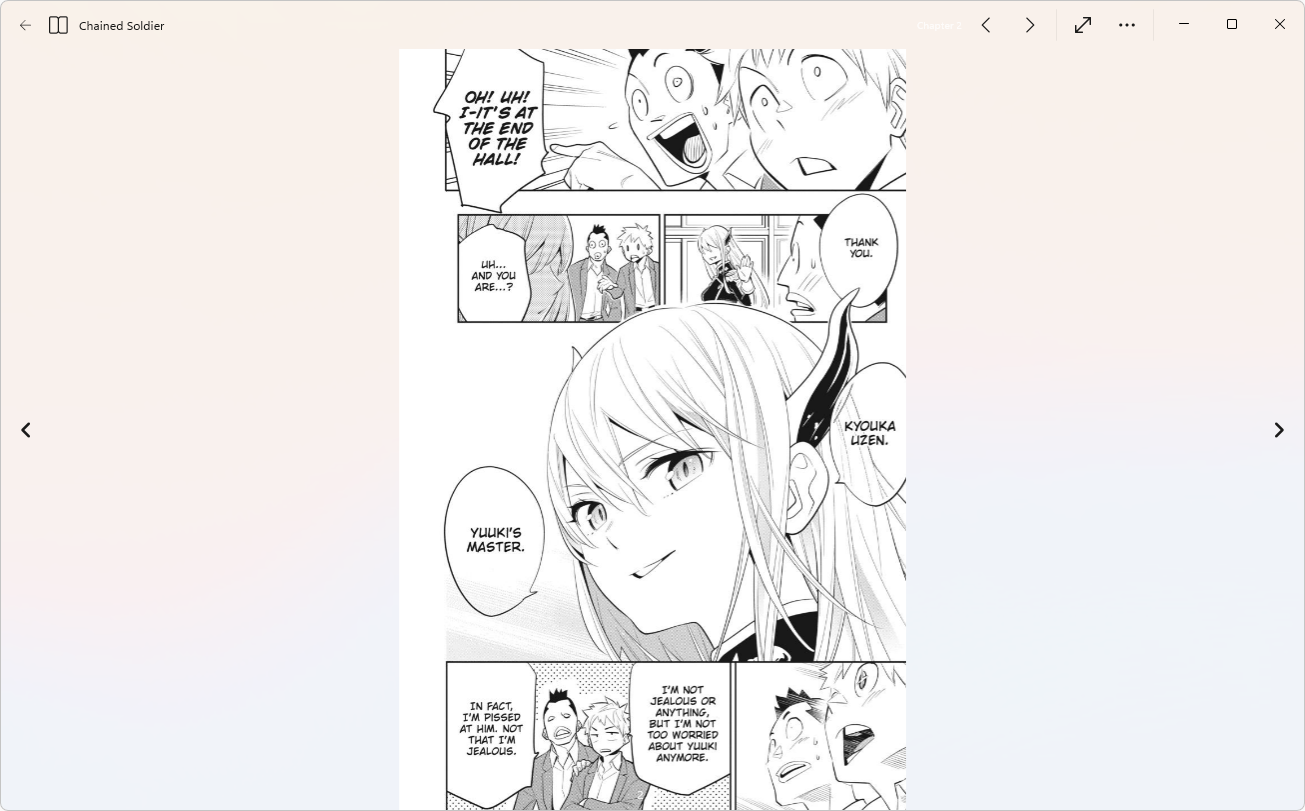
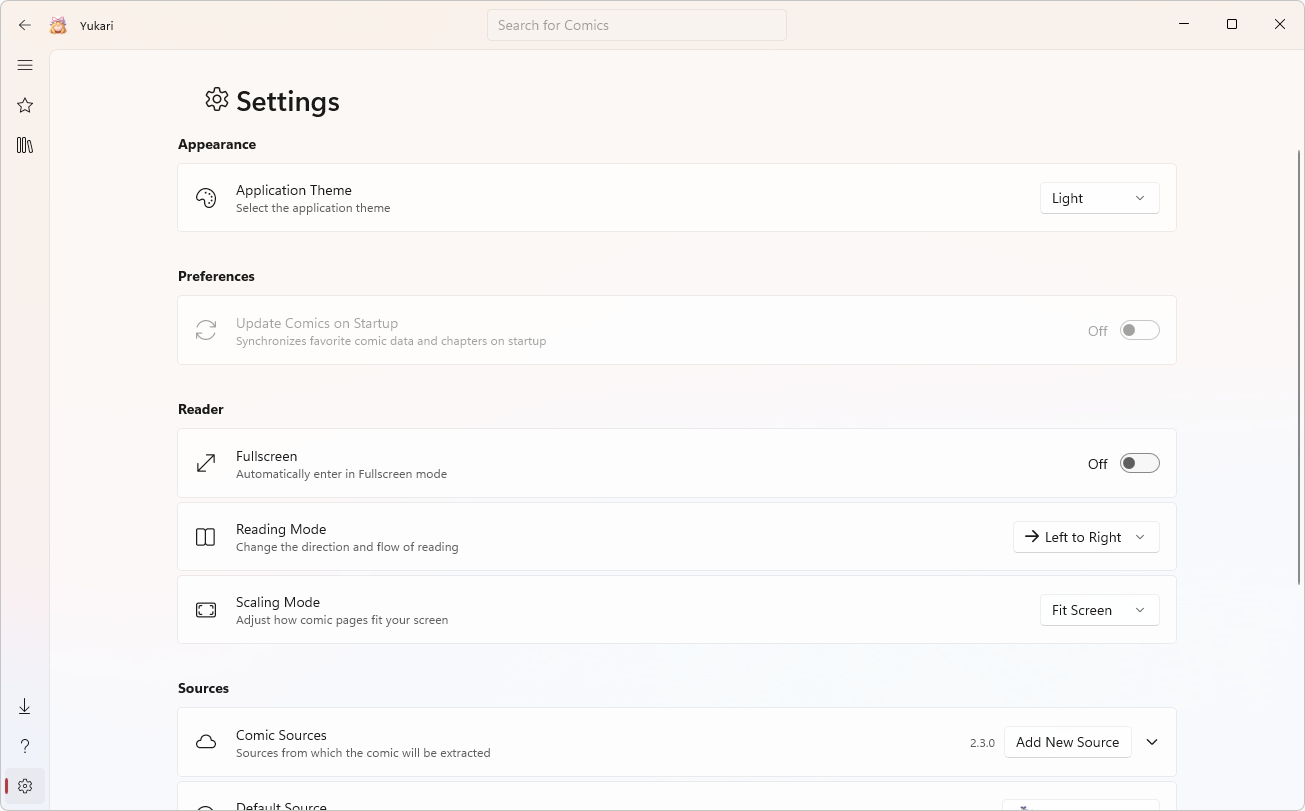
Favorites Page
Installation
⬇️
With Installer
The easiest way for most users. Standard executable installation with wizard instructions.
- ●Go to the official Releases and download the latest version of Yukari.Setup.exe.
- ●Run the installer, follow the setup wizard steps, confirm the options, and you are ready.
- ●After setup, Yukari will be fully available directly in your Windows Start Menu.
📦
Via Scoop
Ideal for developers and power users using terminal management. Requires Scoop configured.
1. Add the Asterism bucket
scoop bucket add asterism https://github.com/TXG0Fk3/Asterism2. Install Yukari
scoop install asterism/yukari💡 Note: Once installed, it will look neat inside your Start Menu inside the "Scoop Apps" folder.
Plugin Hub
Coming SoonExtend Yukari with community plugins:

